

The Console tab is a shell. You get an interactive prompt inside your agent’s container, with the same workspace your agent reads and writes.Documentation Index
Fetch the complete documentation index at: https://pinata-agents-hermes-channels-schema.mintlify.app/llms.txt
Use this file to discover all available pages before exploring further.
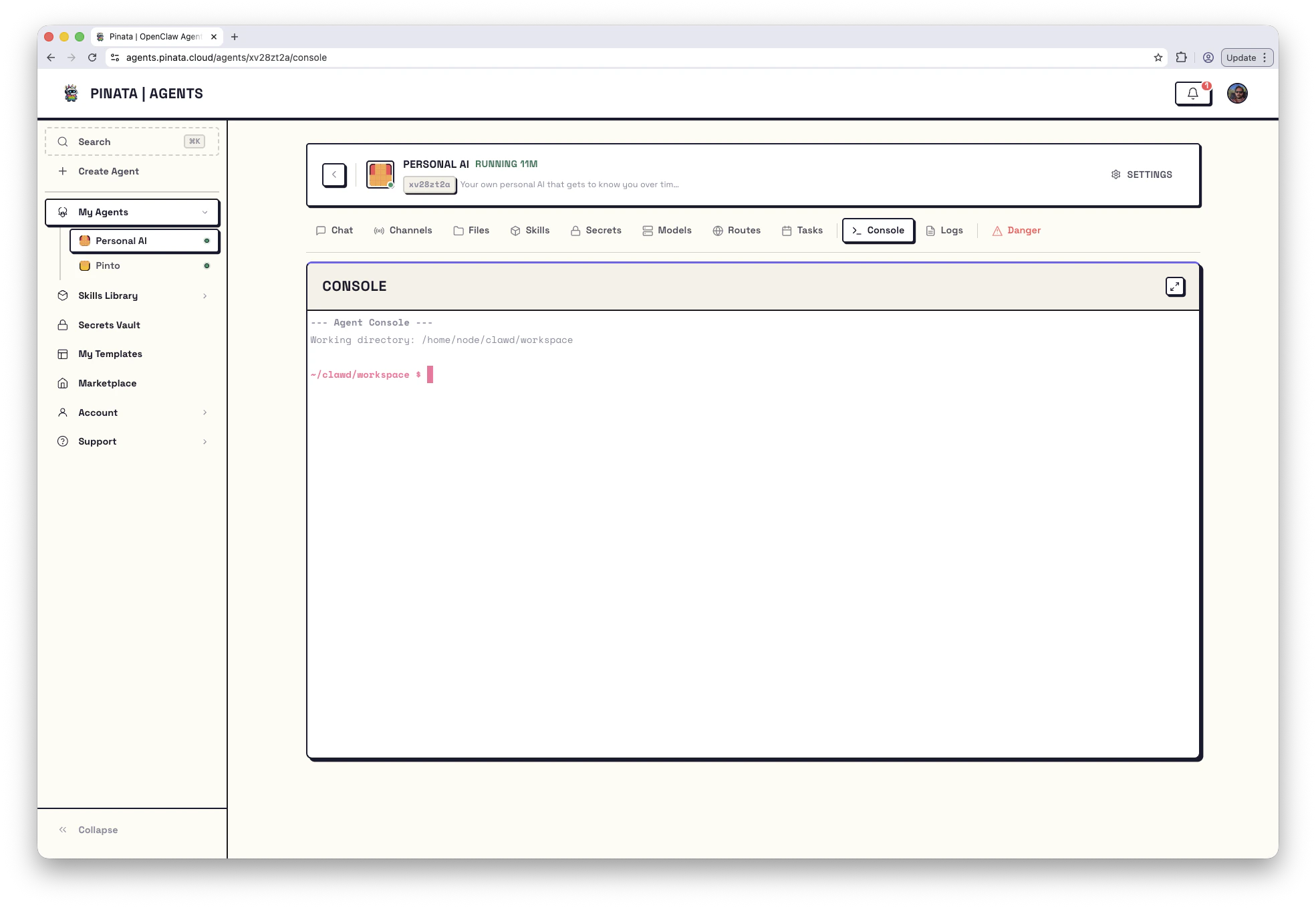
/home/hermes/data/workspace. The current path is also shown on the agent’s Danger tab.
Anything you can do with a shell, you can do here:
- Run
bash,python,node,git,curl,jq - Tail log files:
tail -f /tmp/user-build.log - Check what the agent sees:
env | sort - Confirm a service is listening:
ss -tlnp - Edit a file with
viornano
skills/, uploaded files under uploads/.
When to reach for the Console
The Console is the second-best debugging tool, after Logs. Use it when:- Logs show an error and you need to look at a file to understand it
- A lifecycle script failed and you want to read
/tmp/user-build.logor/tmp/user-start.log - You want to confirm a process is actually running (
ps aux | grep <name>) - You want to reproduce a one-off command the agent ran
Running a command from outside the UI
If you’re scripting against an agent, hit the API: Setcwd to the workspace path for that engine. For OpenClaw that’s /home/node/clawd/workspace; for Hermes that’s /home/hermes/data/workspace.
{ stdout, stderr, exitCode, command, timestamp }.